- Semiconductor BusinessHOME
- Products and Services of Macnica,Inc.
-
technical information

-
Events and Seminars
- Handling Manufacturer
- Support
- Inquiry
- Click here to purchase products
- Semiconductor business e-mail magazine registration


 Narrow down by specifying conditions
現在2236件がヒットしています。check

What is Qualcomm AI Hub?
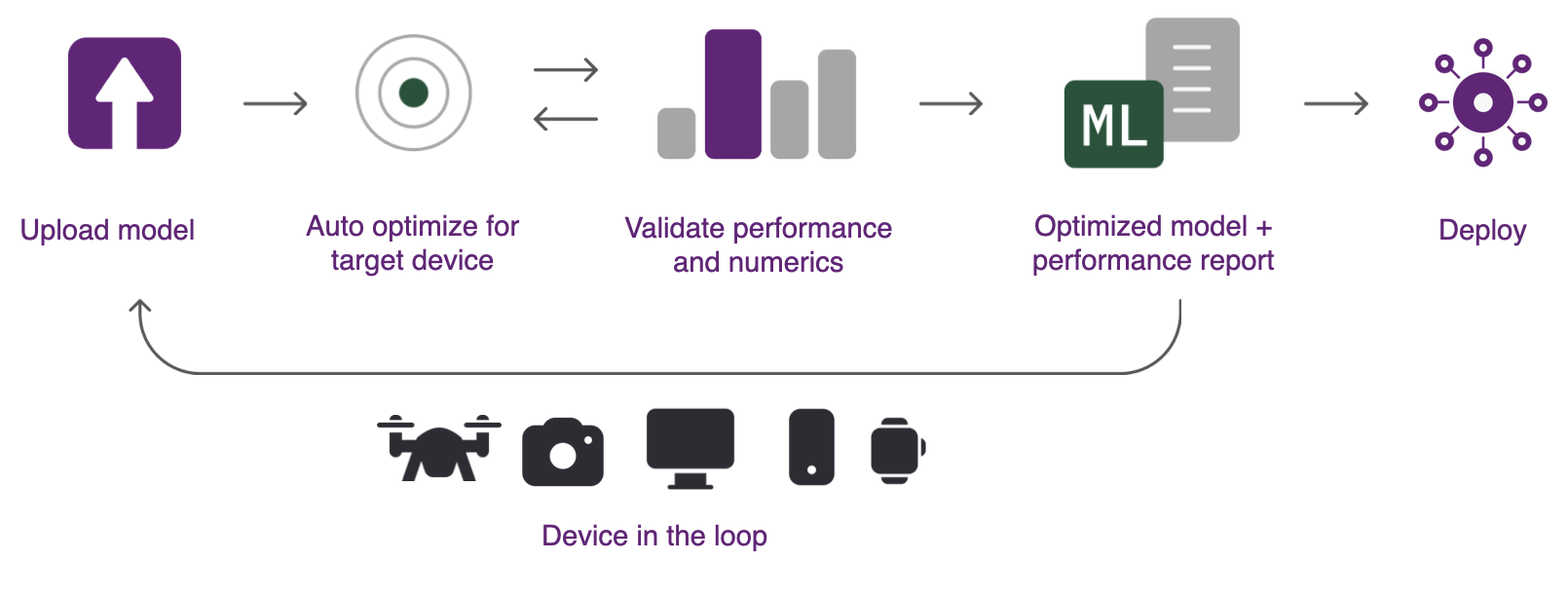
Qualcomm AI Hub is a platform that makes it easy to deploy AI models for vision, audio, and speech applications on edge devices. It not only makes it easy to optimize, validate, and deploy AI models, but also provides a rich library of pre-optimized AI models, helping you quickly implement AI applications.
Main features
Model Transformation and Optimization
Automatic model conversion from PyTorch and ONNX enables efficient on-device deployment using TensorFlow Lite, ONNX Runtime, or Qualcomm AI Engine Direct. Generated models are optimized for deployment on CPUs, GPUs, DSPs, and NPUs.
Offers over 100 AI models
Qualcomm AI Hub includes over 100 optimized AI models covering vision, speech, audio and text applications that can be easily deployed to devices running on Snapdragon and Qualcomm platforms, as well as open source recipes published on GitHub and Hugging Face.
On-device inference execution
You can easily run your models on Qualcomm platform devices provisioned on AI Hub without having to prepare a physical device. On-device inference and performance profiling are possible with just a few lines of code.
What can you do with AI Hub?
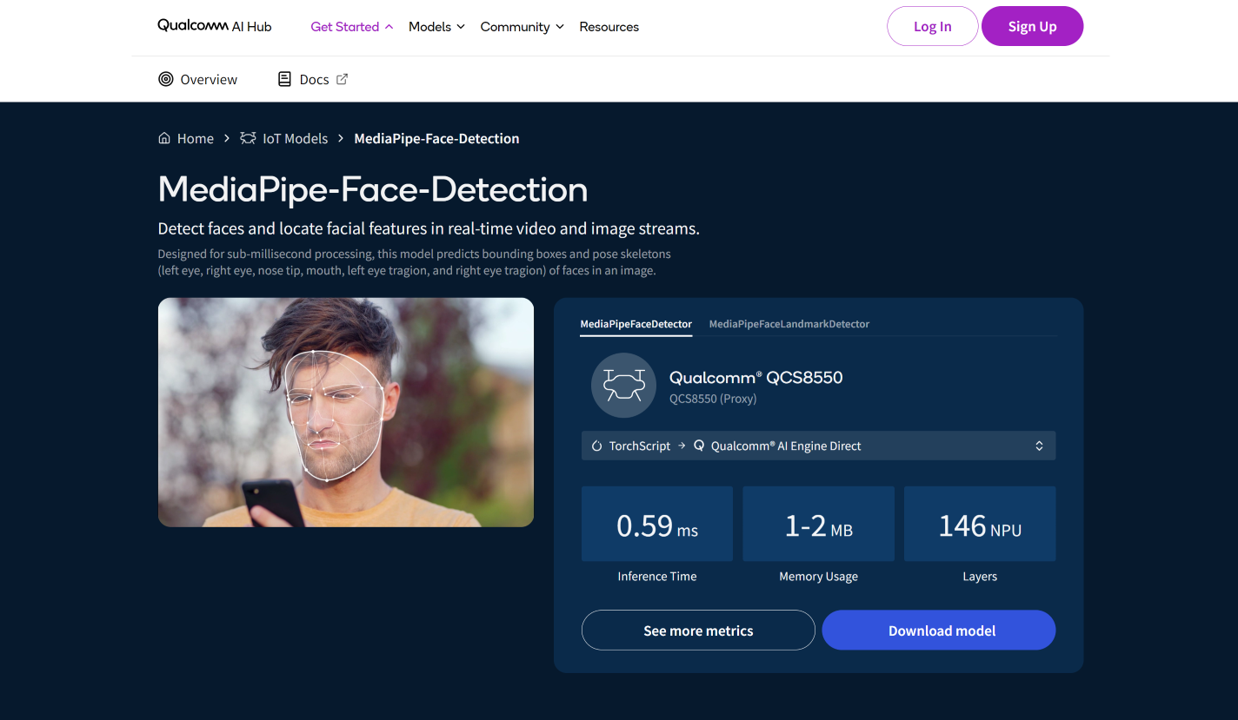
AI Hub publishes information such as inference time and memory usage when performing inference processing on various Qualcomm devices, allowing you to easily check the performance of each device. In addition, you can download models in a format that can be implemented on Qualcomm devices, making it easier than ever to prepare models and a powerful tool for quickly benchmarking at the early stage of device selection. For example, the figure below shows the benchmark values for the MediaPipe-Face-Detection model published on AI Hub when using the Qualcomm AI Engine Direct model on the QCS8550. Such information is published for over 100 different models.
Another noteworthy point is that while evaluation using open source models is possible, users can also upload their own developed models and perform benchmark evaluation. The AI Hub system automatically compiles the model into the optimal format for Qualcomm devices and performs benchmarking by executing inference processing on the selected device. To try this function, you need to register as a member of the Qualcomm system, but with a free account you can access information on various Qualcomm products and services other than AI Hub, so please register and take advantage of Qualcomm technology.
Membership registration steps
We will explain how to register as a member.
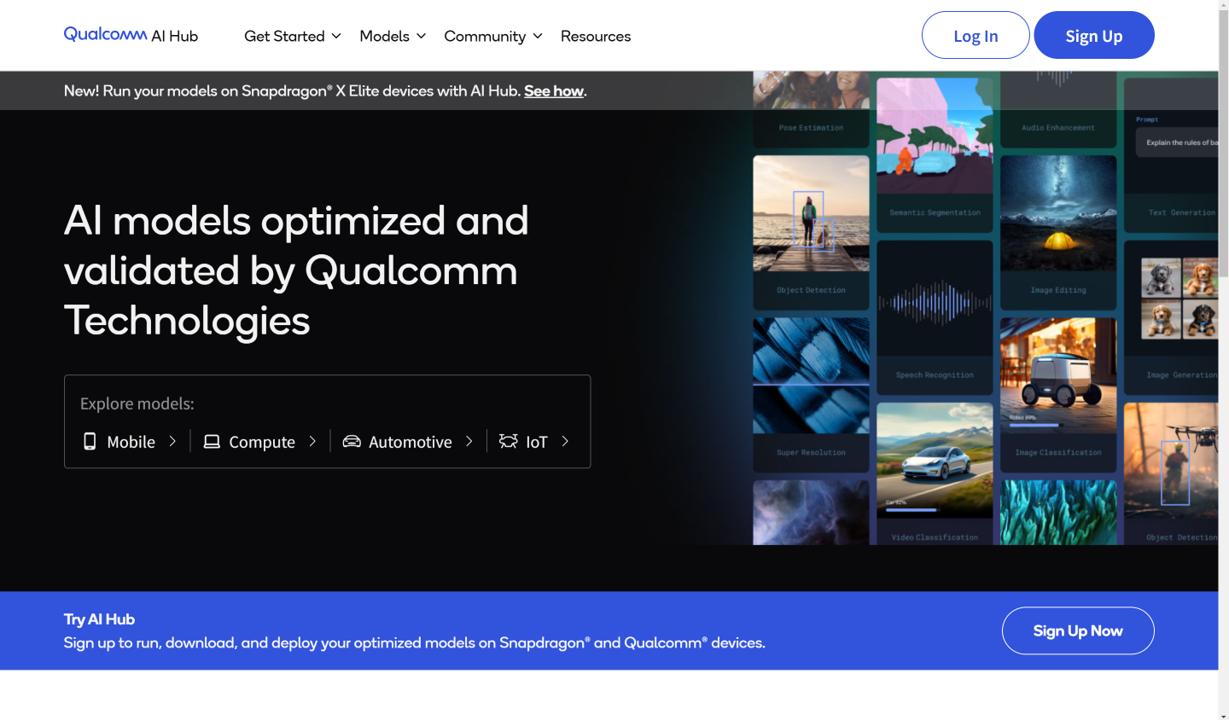
1. Access Qualcomm AI Huband click "Sign Up" in the upper right.
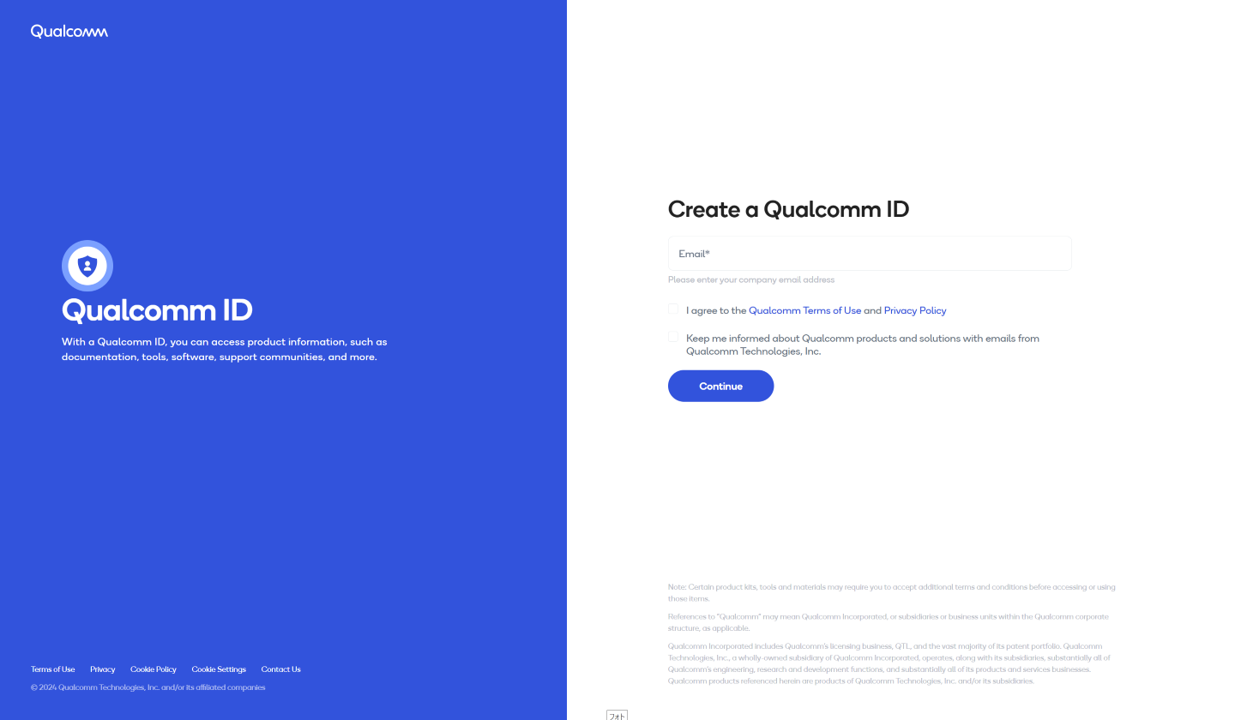
2. Enter your email address in "Create a Qualcomm ID", check the terms and conditions, and click "Continue"to proceed with registration.
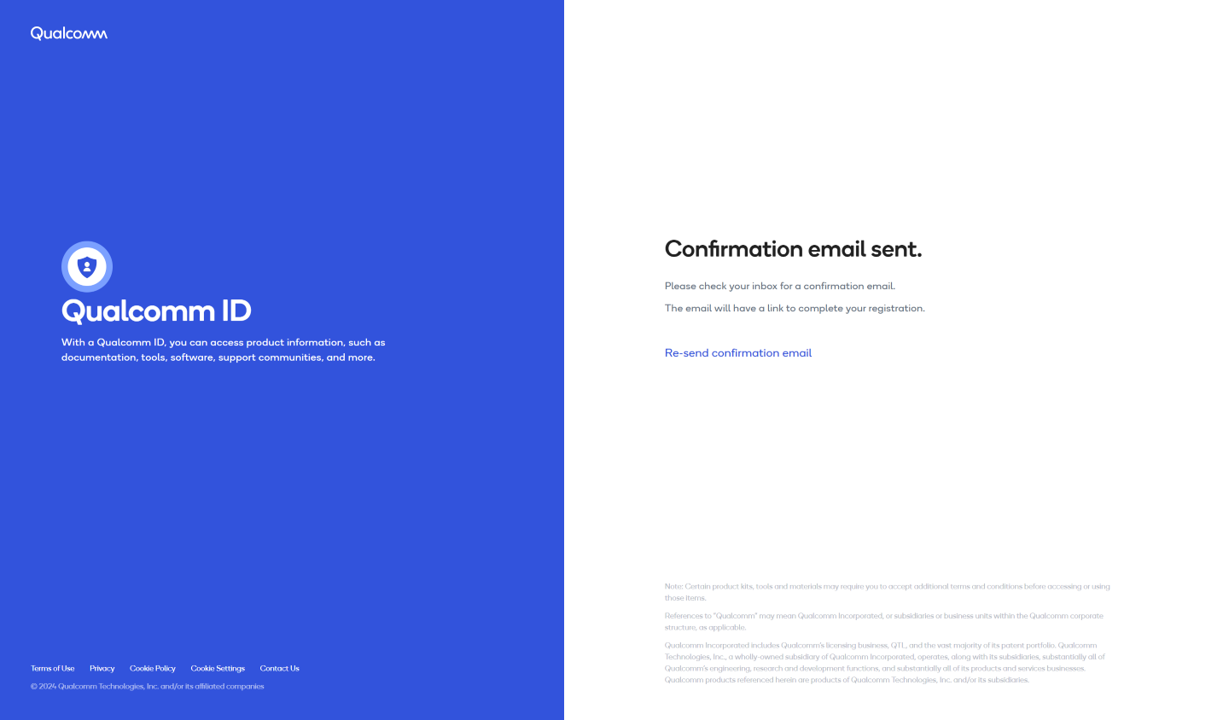
3. You will be redirected to the screen below, and will receive an email with the subject "Confirm your email to complete Qualcomm ID registration."Click the link in the email to complete the email address authentication and your registration will be complete.
We will be posting useful information about Qualcomm AI Hub on our website in the future, so please take this opportunity to register.
Inquiry/Quotation
If you have any questions about the contents of this page or would like detailed product information, please contact us here.