- Semiconductor BusinessHOME
- Products and Services of Macnica,Inc.
-
technical information

-
Events and Seminars
- Handling Manufacturer
- Support
- Inquiry
- Click here to purchase products
- Semiconductor business e-mail magazine registration


 Narrow down by specifying conditions
現在2168件がヒットしています。check
Introduction
Even at this very moment, the number of cameras in surveillance, manufacturing, logistics, stores, and other workplaces continues to increase. Althoughvideoaccounts for over 50% of all data traffic worldwide, it is said that less than 1% of this data is actually analyzed. If you are reading this article, are you also facing the issue of not being able to fully utilize recorded video and surveillance camera footage within your company?
NVIDIA's NVIDIA AI Blueprint for Video Search and Summarization (VSS) is a new platform that uses the power of AI to analyze, summarize, and search these unused video assets.
This article is an introductory guide to VSS, providing a clear explanation of what VSS is, what value VSS provides, and specific use cases for VSS.
Goals and scope of this article
goal
By learning about the overview of VSS, the value it brings, and use cases, you can imagine how it can be used in your company.
subject
- Those who feel that they are not making full use of their company's video assets (recorded videos and surveillance camera footage)
- Anyone interested in implementing VSS
- Anyone interested in a fully local AI video analytics solution
Scope of this article
- VSS Overview
- VSS Core Technology: VLM (Vision Language Model)
- How it differs from traditional video analytics solutions
- The value of VSS
- Introduction of implementation examples/use cases
- How to try VSS
What is VSS?: Overview and what it can do
Overview
VSS is the video input (live stream/Recording), Generative AI (VLM/LLM/RAG), CV Metadata (optional), and Audio Data (optional) are integrated. VideoSearch, Summary, Q&A, AlertsFunctions such asTo achieve this,Video Analysis AI AgentDevelopment and operation platformis.
Main function
Video summarization: Based on prompts set by the user, events of interest (risky behavior, abnormalities, procedural deviations, etc.) are extracted and summary text and key clips are generated.
Chat-style Q&A: Ask questions about the video content in chat format. You can also narrow down long videos by subject, action, time, and situation.
Alerts: Detect anomalies in real time and generate alerts.
High operability: On-premise/cloud Supports deployment in the cloud. Existing cameras and recording assets can be used as is. API integration is also available.
NVIDIA official documentation
For details that cannot be covered in this article, please refer to the official documentation provided by NVIDIA.
This page provides comprehensive information about VSS, including an overview, architecture, installation procedures for each platform, and API specifications.
Supported hardware
For information on hardware that has been verified by NVIDIA, please see this page in the official documentation: Supported Platforms — Video Search and Summarization Agent
VSS Core Technology: What is VLM (Vision Language Model)?
Overview of VLM
It is an AI model that can see, understand, and explain inputs such as images, videos, and live streams. In VSS, it is responsible for generating captions (subtitles) from videos and live streams.
Cosmos-Reason1
This is an "open and customizable inference-based VLM" developed by NVIDIA.
This model is designed to understand physical common sense and knowledge and to explain things in a human-like way, and has features such as being "robust in a variety of field scenarios" and "not requiring detailed manual labeling."
VSS allows you to use Cosmos-Reason1 as VLM with the default settings.
For more information about Cosmos-Reason1, please visit the following webpage:
Cosmos-Reason1 — Cosmos... NVIDIA official documentation
Cosmos Cookbook... A guide with instructions for customizing Cosmos-Reason1 to suit your needs
How it differs from traditional video analytics solutions
What advantages does VSS offer over traditional video analytics solutions?
The image below shows a comparison between a traditional video analytics solution (purple on the left) and VSS (green on the right).
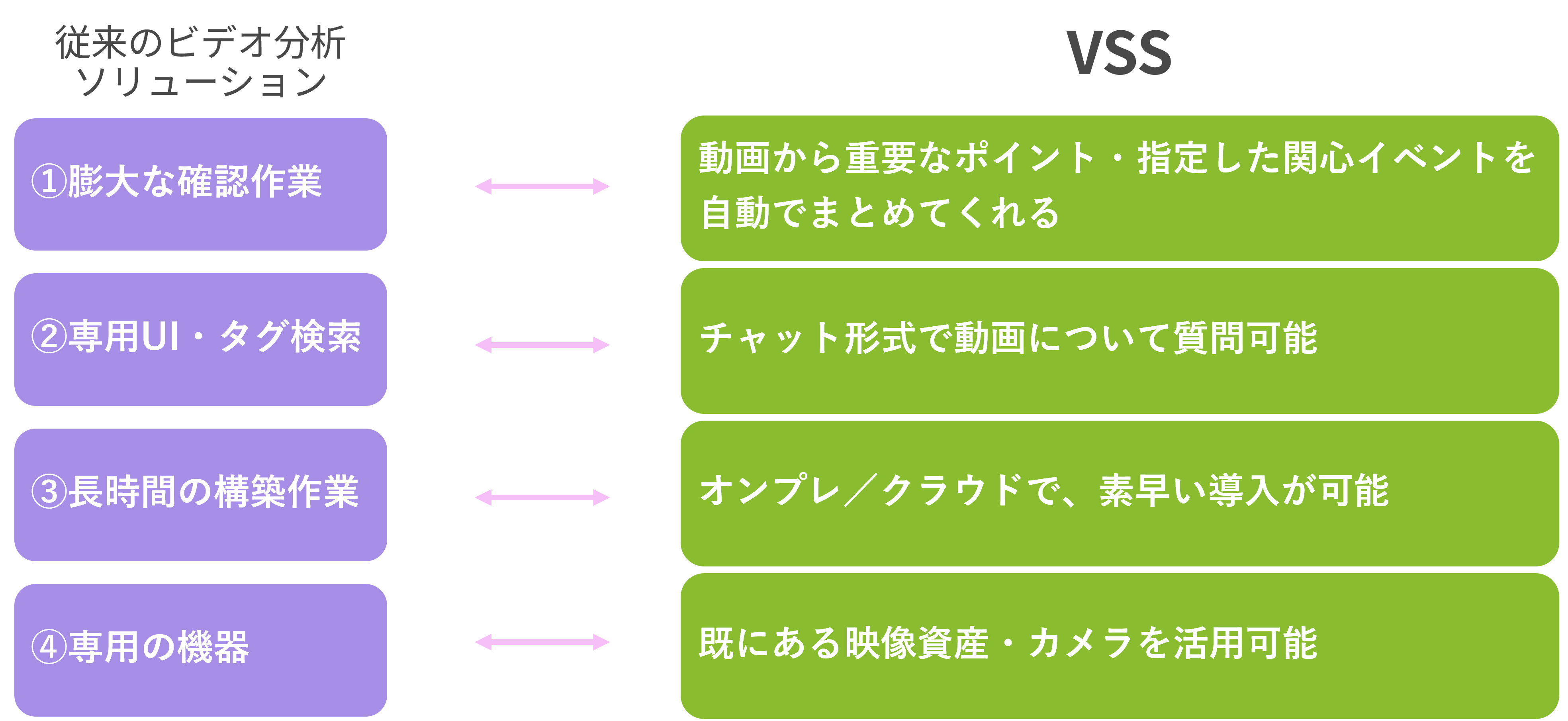
Below, we will explain the items in the image from top to bottom.
①In the past, it could take a huge amount of time and effort to check the content of a video.
VSS automatically summarizes important points and specified events of interest from videos, significantly reducing the time and effort required to review the content.
②Previously, applications were sometimes operated using a dedicated UI or tag search, which could be a significant burden for field operators to learn how to use them.
VSS has a feature that allows you to ask questions about the video content in chat format, so it is not a big burden to learn how to use it.
3) Previously, implementation could take a long time and effort.
VSS is compatible with both on-premise and cloud environments, is easy to deploy and can be used right out of the box, and has API integration available for rapid deployment.
④In the past, introducing a video analytics solution required the preparation of dedicated equipment.
With VSS, you can create an AI video analysis solution simply by inputting your existing video assets and cameras into VSS.
The value of VSS
With these features, what value does VSS bring to your business?
The image below shows the characteristics of VSS in the center, and around it are four of the values that VSS brings.
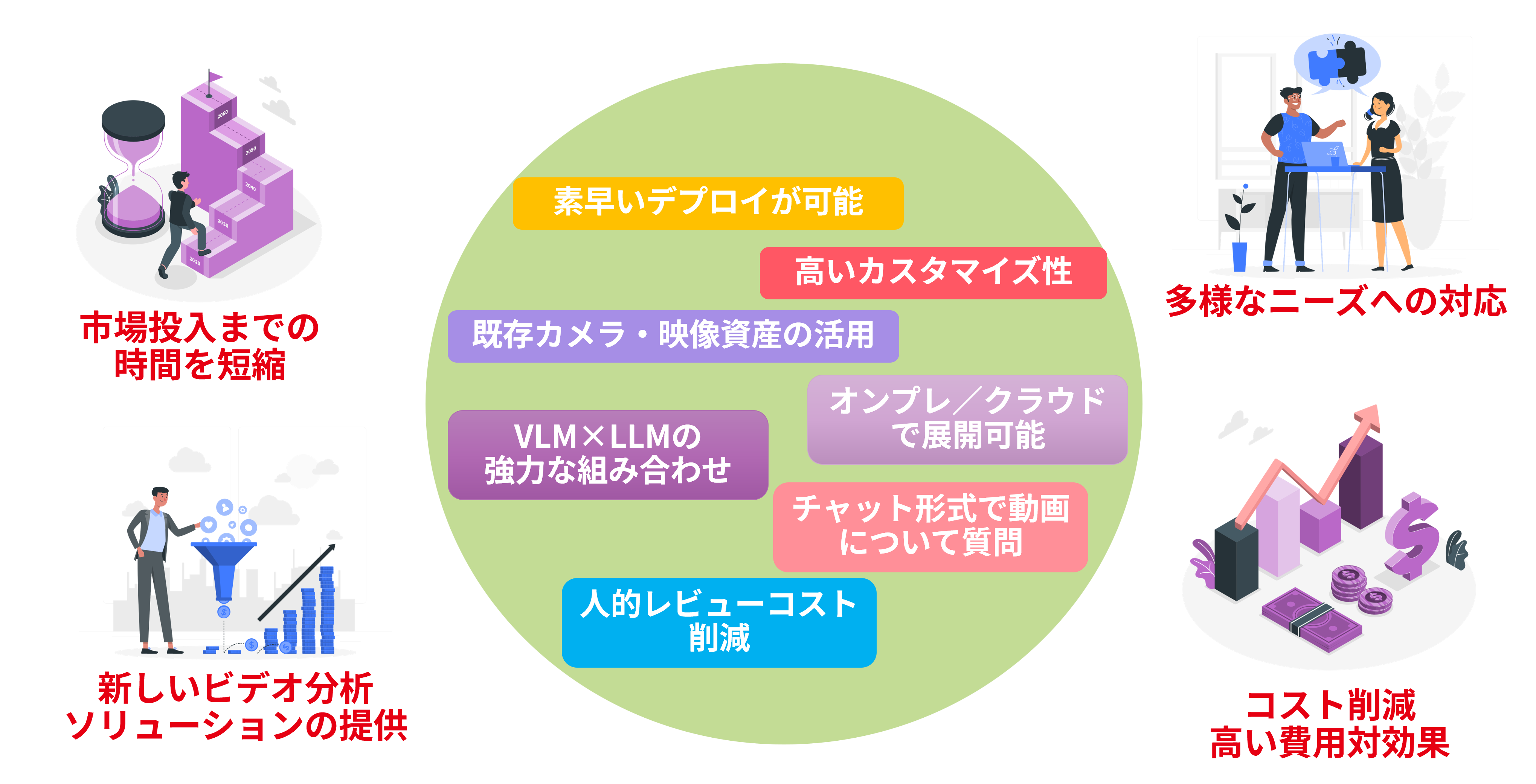
Below, we will explain the four "values that VSS brings to business" shown in the image.
Faster time to market: Rapid deployment and leveraging existing camera and video assets reduces time to market for services.
Providing new solutions: The powerful combination of VLM and LLM contributes to the provision of new video analysis solutions.
Meeting diverse customer needs: Highly customizable, it can be deployed on-premise, in the cloud, or even on edge devices such as NVIDIA Jetson™, enabling it to meet diverse needs.
Cost reduction and high cost-effectiveness: The reduction in human review costs and the ability to operate in natural language result in cost reduction and high cost-effectiveness.
Introduction of implementation examples/use cases
This chapter introduces VSS deployment and use cases.
First, please watch the video below.
As you can see, AI video analytics solutions are solutions that have potential for use in a wide range of industries and situations.
Next, below are some use cases for VSS published by NVIDIA.
Pegatron Corporation (Electronics Manufacturing): Case Study: Pegatron Scales Factory Operations with Visual AI Agents and Digital Twins | NVIDIA
We have developed an "Assembly Guiding Agent" that utilizes VSS, which detects deviations and mistakes in the assembly process (e.g., forgetting to install a screw) in real time and raises an alert, thereby contributing to the correction of errors.
Shimizu Corporation (Construction Industry): Utilizing "Video Search and Summarization" on Construction Sites | AI Day Tokyo 2025 | NVIDIA On-Demand
AI automatically searches and summarizes construction site footage and creates work reports, reducing the burden of management work.
If you want to try VSS
| Build a Video Search and Summarization (VSS) Agent Blueprint by NVIDIA | NVIDIA NIM | You can try out VSS for free using sample videos and sample prompts. |
| Console | Brev |
Using NVIDIA's cloud environment, you can try out VSS using your own videos without having to prepare any hardware (hourly charges apply). For more information, see the official documentation (NVIDIA Brev Launchable — Video Search and Summarization Agent). |
| VSS Github page | It is available on Github, so if you already have an environment that runs VSS, you can try it outhere. |
| Cloud — Video Search and Summarization Agent |
It can also be deployed on Amazon Web Services (AWS) and Google Cloud Platform (GCP). For more information, see the official documentation in the link. |
at the end
I hope this article will help you understand VSS.
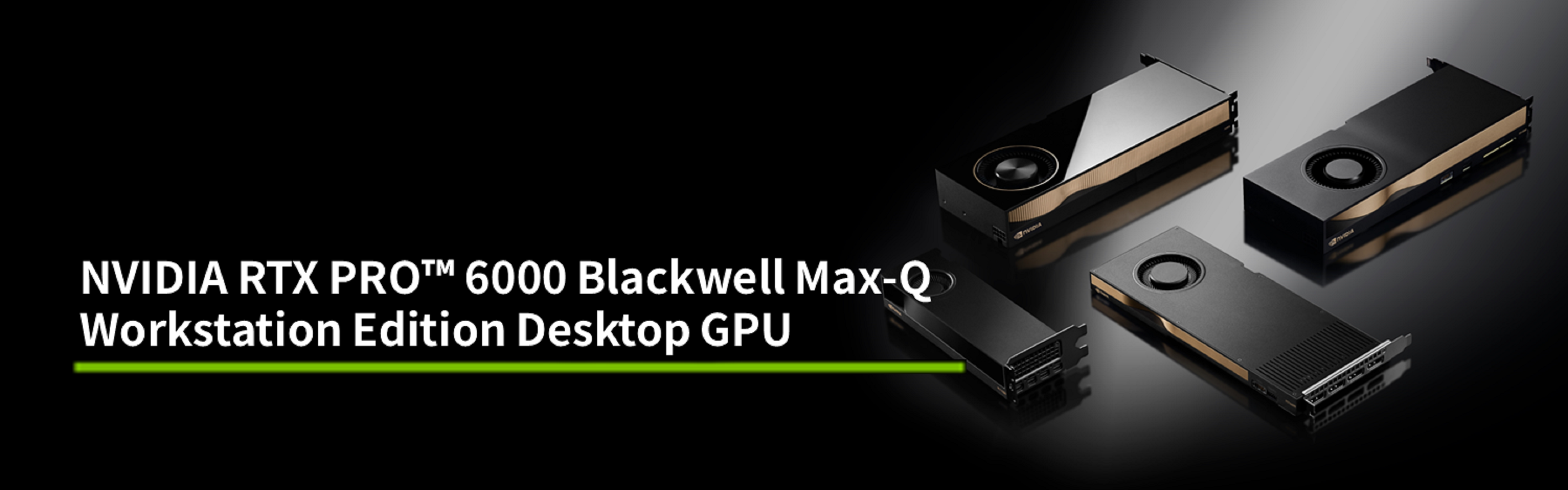
Macnica provides support for VSS implementation,HardwareNVIDIA GPUCards andGPUWe can help you select and support your workstation.
If you are considering introducing VSS, please contact us using the inquiry button at the bottom.
Contact Us


NVIDIA RTX PRO™ 6000 Blackwell Max-Q Workstation Edition Desktop GPU
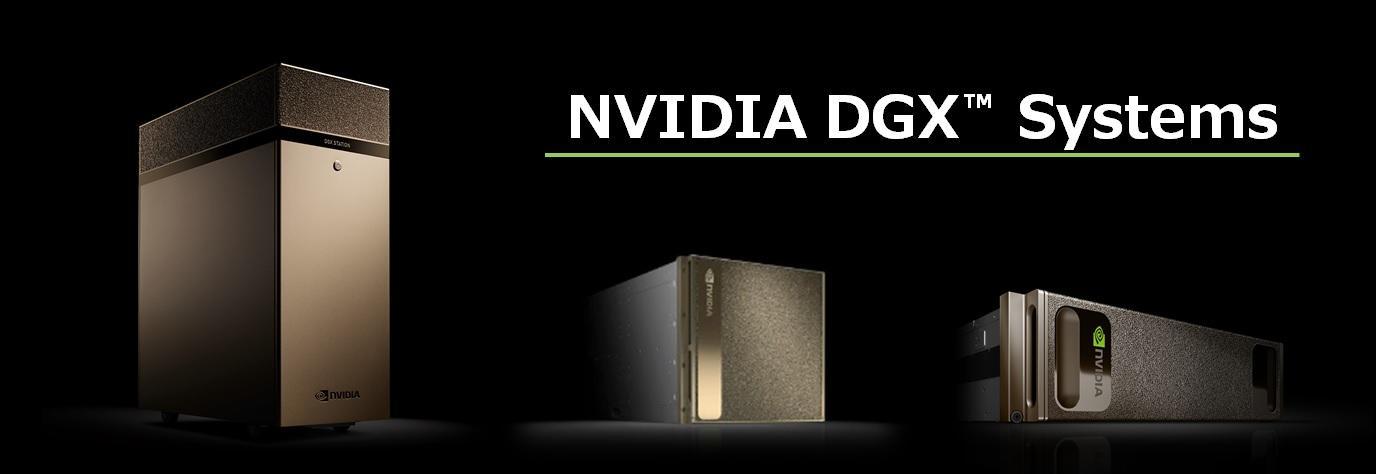
NVIDIA DGX™ Systems
NVIDIA® Jetson Thor™
NVIDIA Home Page