- Semiconductor BusinessHOME
- Products and Services of Macnica,Inc.
-
technical information

-
Events and Seminars
- Handling Manufacturer
- Support
- Inquiry
- Click here to purchase products
- Semiconductor business e-mail magazine registration


 Narrow down by specifying conditions
現在2240件がヒットしています。check
* January 28, 2026: A2B SigmaStudio+ Migration Guide added
This page summarizes technical information about A2B®.
Please use it when considering the introduction of A2B® and when developing.
■ Macnica original technical content (download materials included)
■ FAQ
Introduction video of A2B®
Overview of A2B
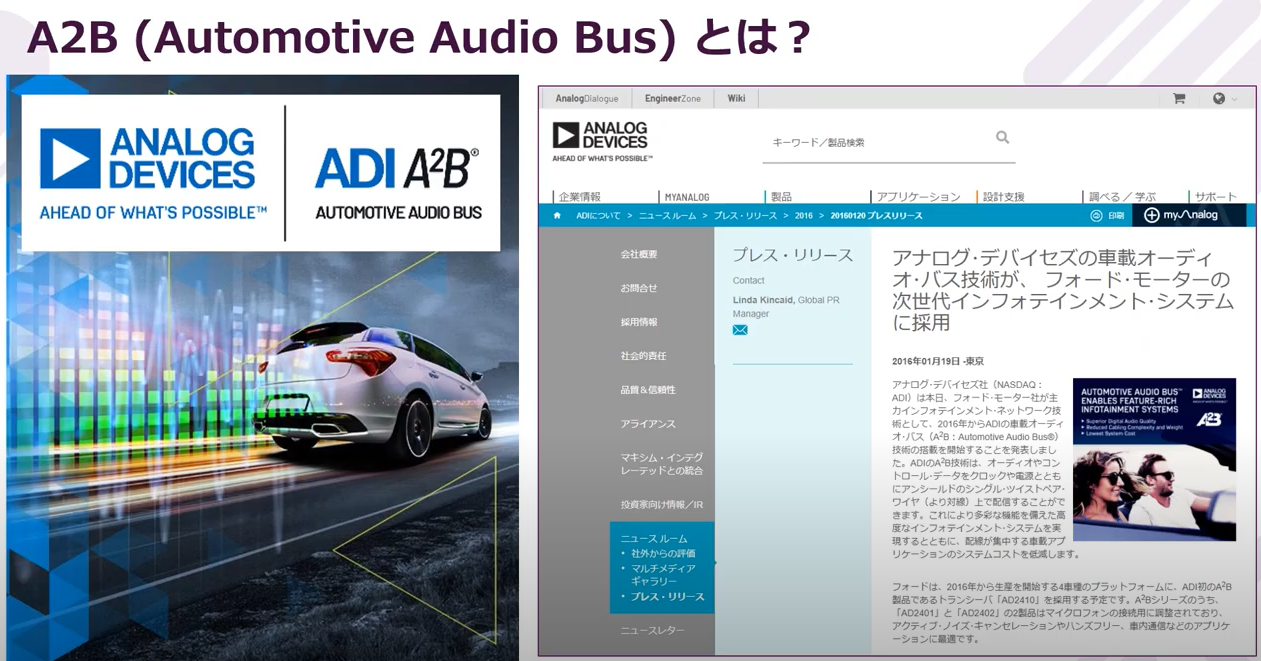
If you want to know "What is A2B?", please watch this video first.
Feature 1 of A2B

We will explain various functions of A2B and what kind of merits those functions have in the system.
Feature 2 of A2B

We will explain various functions of A2B and what kind of merits those functions have in the system.
A2B evaluation environment and demo
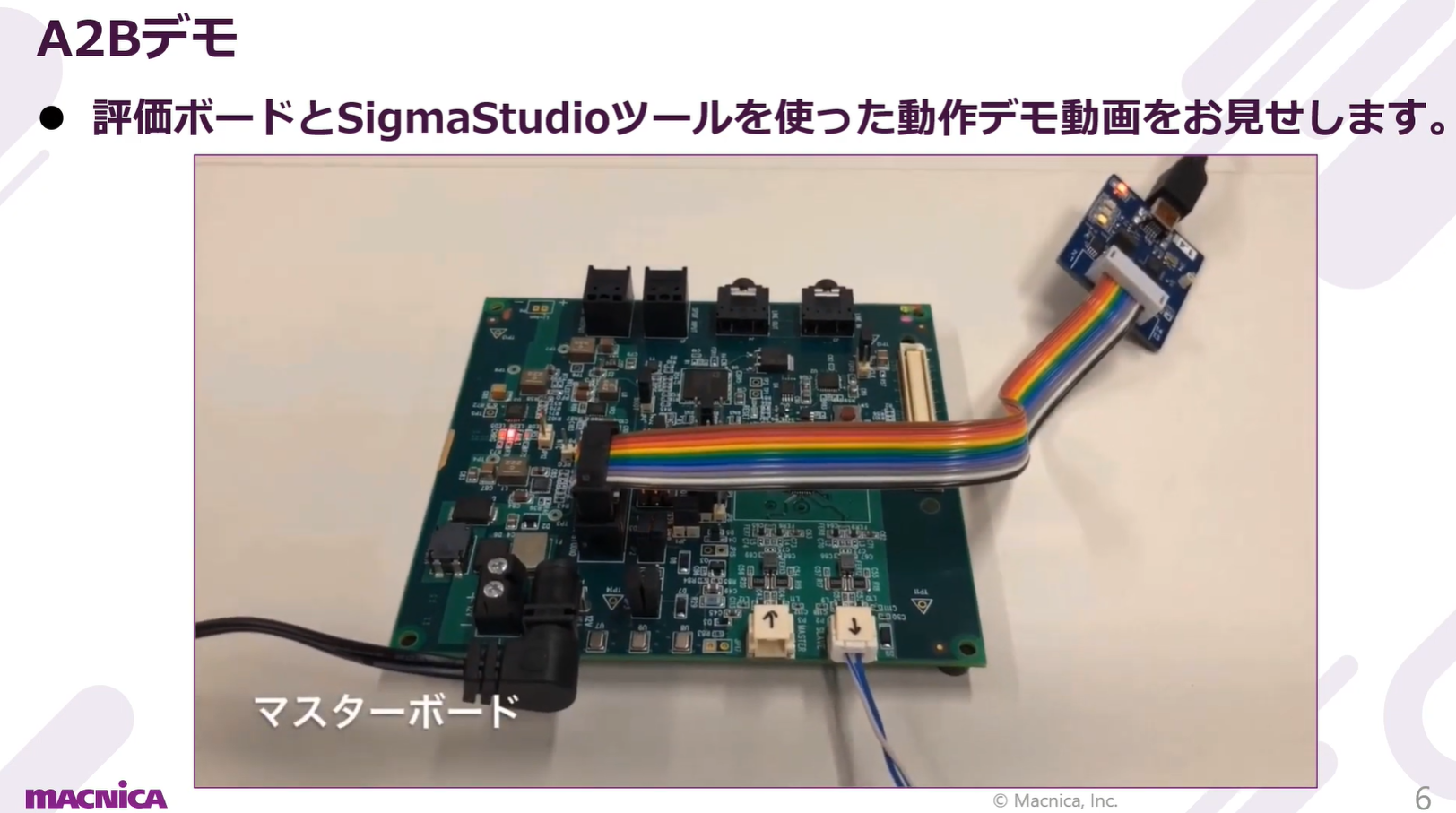
We will introduce evaluation boards, software tools, and 3rd party tools as an evaluation environment for AB.
A2B operation demo
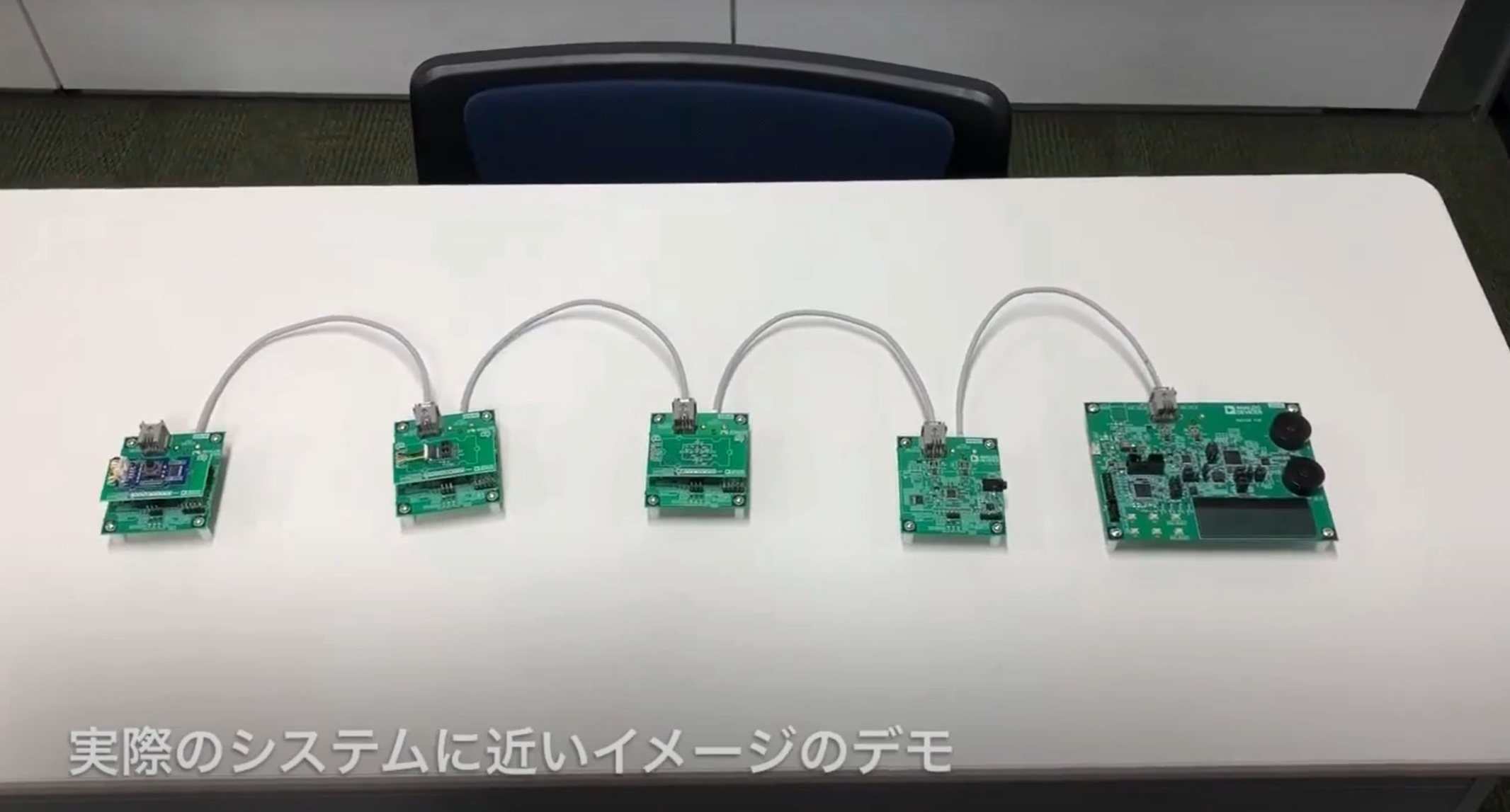
The operation of A2B will be explained through two types of operational demonstrations: "ADI genuine evaluation board" and "five different demo boards."
A2B® support environment
document
We have compiled information such as documents that you will often refer to when considering and designing A2B®.
*Documents and other information are linked to Analog Devices' product pages.
These links are current as of January 2025, so if the links are out of date, please refer to the Analog Devices product pages directly.
| product | Contents | download link | Overview |
| AD2428 | data sheet | English | It is a document of various specifications of the device. |
| Japanese | |||
| User guide | English | It serves as a detailed explanation of various functions of the device and a document of control specifications. | |
| Japanese | |||
| anomaly list | English only | Documents errata information for the device. | |
| AD2437 | data sheet | English | It is a document of various specifications of the device. |
| User guide | English | It serves as a detailed explanation of various functions of the device and a document of control specifications. | |
| anomaly list | English | Documents errata information for the device. |
Evaluation Board
Several types of evaluation boards are available, assuming various uses.
The product pages for each evaluation board also provide information such as user manuals and design data (circuit diagrams, PCBs, and bill of materials), so please make use of them.
AD2428 Series
| model number and link | Evaluation board overview |
| EVAL-AD2428WD1BZ | This is the Main or Local-power Sub Board. This board with the main function is essential for evaluating A2B. |
| EVAL-AD2428WB1BZ | This is a bus-powered Sub Audio Board. This board is equipped with analog audio input/output jacks and a MEMS microphone, making it ideal for evaluating bus-powered audio units. |
| EVAL-AD2428WC1BZ | This is a bus-power Sub Mic Board. This board is equipped with four MEMS microphones and is ideal for evaluating microphone units. |
| EVAL-AD2428WG1BZ | This is a local-power Sub Audio Board. This board is equipped with analog audio input and output jacks, and is ideal for evaluating local-power audio units. |
| ADZS-AUDIOA2BAMP | Class-D Amp Module Board. This board is equipped with two high-efficiency Class-D Amp products SSM3582 from ADI, and is ideal for evaluating high-efficiency, high-performance audio units. |
| ADZS-AD2428MINI | A2B® MINI Board. This board is used by connecting (docking) with other evaluation boards such as EV-SOMCRR-EZKIT. |
AD2437 Series
| model number and link | Evaluation board overview |
| EVAL-AD2437A1MZ | This board is for Main or Local Power Sub (LPS) and has an A2B connector equipped with RJ45. |
| EVAL-AD2437B1MZ | This is a board for Bus Power Sub (BSP) and is equipped with an RJ45 A2B connector. |
| EVAL-AD2437A1NZ | This is a board for Main or Local Power Sub (LPS), and the A2B connector is equipped with XLR. |
| EVAL-AD2437B1NZ | This is a board for Bus Power Sub (BSP) and the A2B connector is equipped with XLR. |
評価ツール
A convenient GUI-based software tool is provided to run the target board.
| title | Tool overview |
| Sigma Studio |
A GUI-based utility tool that supports various ADI products. *For detailed instructions on downloading and installing this tool, please refer to "How to obtain and set up SigmaStudio" in Macnica original technical content. |
| A2B® Software |
This is A2B software that is an add-in to SigmaStudio. This allows you to easily perform various A2B® configurations and controls on a GUI basis on SigmaStudio. *For detailed instructions on downloading and installing this tool, please refer to "How to obtain and set up A2B Software" in Macnica original technical content. |
| SigmaStudio+ |
A GUI-based utility tool that supports various ADI products. *This SigmaStudio+ is a revamped version of the previous SigmaStudio, so if you are considering using A2B products, please use this SigmaStudio+. |
|
This is an ADI tool that helps evaluate and debug AB. It allows you to monitor the AB bus and emulate AB nodes. *For installation procedures and basic operations of this A2B Bus Analyzer, please refer to Macnica original technical content "A2B Bus Analyzer Installation Guide," "A2B Bus Analyzer Monitor Operation Guide," and "A2B Bus Analyzer Emulator Operation Guide." |
Macnica original technical content
You can download the materials by answering the questionnaire from the link of the material acquisition questionnaire.
A2B in general
| Material acquisition questionnaire | Overview |
| A2B® Webinar Materials | This is the material from a previous A2B online seminar, "What is A2B technology that can reduce costs at the system level?" |
SigmaStudio+
| Material acquisition questionnaire | Overview |
| SigmaStudio+ Installation Guide | Instructions for obtaining and installing SigmaStudio+ and A2B Software. |
| SigmaStudio+ Operation Check Guide | This document explains how to check the operation of a sample project on an evaluation board after installing SigmaStudio+ and A2B Software, and explains the basic operations of SigmaStudio+. |
| A2B SigmaStudio+ Migration Guide | This document explains the procedure for transferring design data from SigmaStudio to SigmaStudio+. |
A2B Bus Analyzer
| Material acquisition questionnaire | Overview |
| A2B Bus Analyzer Installation Guide | This is a manual for PC setup, including installation of the A2B Bus Analyzer tool. |
| A2B Bus Analyzer Monitor Operation Guide | This document explains the basic operations of the A2B Bus Analyzer monitor function. |
| A2B Bus Analyzer Emulator Operation Guide | This document explains the basic operations of the A2B Bus Analyzer emulator. |
| A2B Bus Analyzer Audio Input/Output Guide | This document explains the basic operations for inputting and outputting audio data using the A2B Bus Analyzer. |
SigmaStudio *Former A2B evaluation tool
| Material acquisition questionnaire | Overview |
| How to get SigmaStudio | Instructions for downloading, installing, and initializing the tool for SigmaStudio. |
| How to get A2B® Software | Instructions for downloading, installing, and initializing the A2B Software. |
| SigmaStudio operation check | After installing SigmaStudio and A2B® Software, this document explains how to actually check the operation of the sample project on the evaluation board and the basic operations of SigmaStudio. |
| A2B SigmaStudio sample design modification exercise | This document explains how to modify the A2B sample design included in SigmaStudio to create a new system configuration. |
Others
| Material acquisition questionnaire | Overview |
| A2B® SelfBoot operation verification | This is a manual for operating the A2B® evaluation board standalone without a PC. |
FAQ
A2B® About FAQ A detailed summary is provided on the following page.
The summary page is structured as follows:
If you would like to know more, please see the details below.
■ Overview
■ Function
■ Circuit
■ Power supply
■ I2C communication
■ Initialization process
■ Error handling
Inquiry
If you have any questions regarding this article (A2B®), please contact us below.
Analog Devices Manufacturer Information Top
To return to the Analog Devices manufacturer information top page, please click below.