- Semiconductor BusinessHOME
- Products and Services of Macnica,Inc.
-
technical information

-
Events and Seminars
- Handling Manufacturer
- Support
- Inquiry
- Click here to purchase products
- Semiconductor business e-mail magazine registration


 Narrow down by specifying conditions
現在2247件がヒットしています。check

Introduction
This video is a compilation of presentation slides from a hands-on seminar held in person around 2019, with audio added.
Therefore, please note that some of the information and content may be outdated.
If you would like to receive a lecture directly from an instructor or learn in the latest version environment,
Please see "I want to take training" on the "Altera® FPGA Seminar/Technical Training Information" page and consider taking the [Quartus® Prime Introduction Course].
Purpose of this course
Overview
In this seminar, you will learn about the overview and operation flow of the Quartus® Prime development software, which is required when developing Altera® FPGAs.
We also publish the exercise manual and exercise data as hands-on.
If you use the development board during the exercise, you can experience the exercise while operating it on the actual machine.
(Some exercises can be performed without a development board.)
Target Audience
・People who want to get a rough overview of the FPGA development flow
・People who are just starting or considering Altera® FPGA development
- First time users of Quartus® Prime
- People who are already developing FPGAs but want to review the basic operations of Quartus® Prime
goal of attending
Learn how to install Quartus® Prime
- How to download, install, and obtain and set up a license file
・Know the overall flow of FPGA development
・Learn the basic operations of Quartus® Prime
・Hands-on experience with Quartus® Prime (only for users who have completed the exercises)
agenda
Altera® FPGA Product Introduction
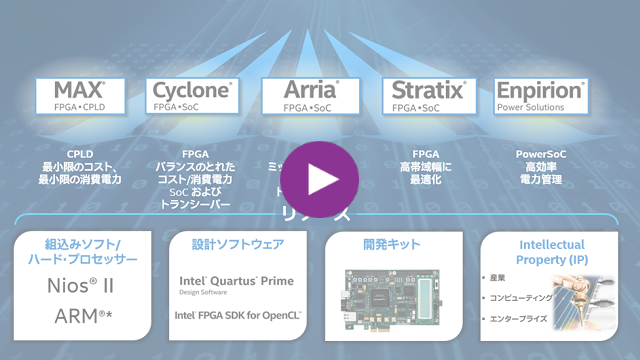
This chapter introduces the Altera® FPGA device family.
(Duration: 4 minutes 00 seconds)
Download and Install Quartus® Prime
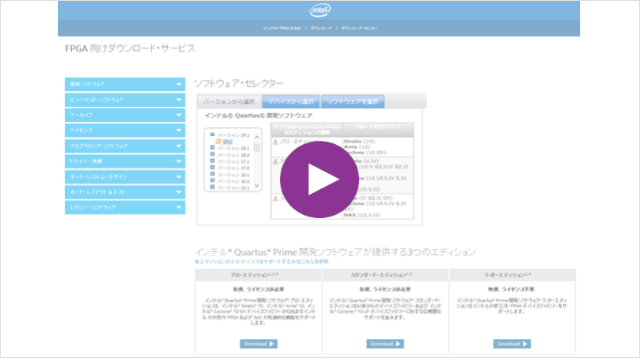
This chapter describes how to download and install Quartus® Prime.
(Duration: 6 minutes 22 seconds)
[Content introduced in this chapter]
How to download Quartus® Prime and Questa* - Altera® FPGA Edition
How to install Quartus® Prime and Questa* - Altera® FPGA Edition
・ Quartus® Prime Supported Device List
・ Quartus® Prime Supported OS Compatibility Table
Obtaining and setting the license file
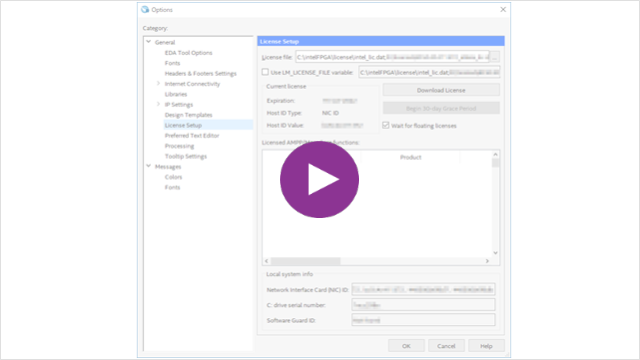
This chapter introduces how to obtain and configure a license file.
(Duration: 2 minutes 30 seconds)
[Content introduced in this chapter]
How to get a new license for Quartus® Prime, IP and Questa* - Altera® FPGA Edition
How to set up FIXED licenses for Quartus® Prime, IP and Questa* - Altera® FPGA Edition
How to set up FLOAT licenses for Quartus® Prime, IP and Questa* - Altera® FPGA Edition
Quartus® Prime Overview
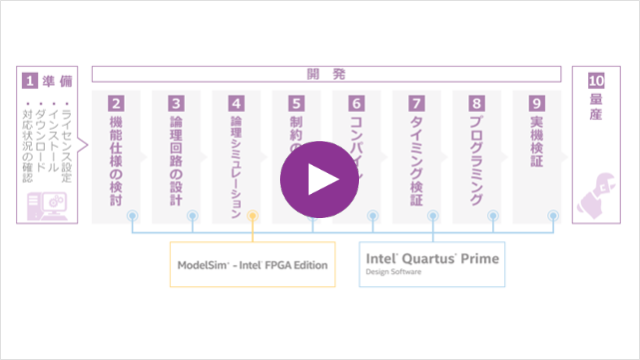
This chapter provides an overview of what kind of development software (tool) Quartus® Prime is and explains the basic operation flow.
(Duration: 3 minutes 27 seconds)
[Content introduced in this chapter]
Basic Operations with Quartus® Prime
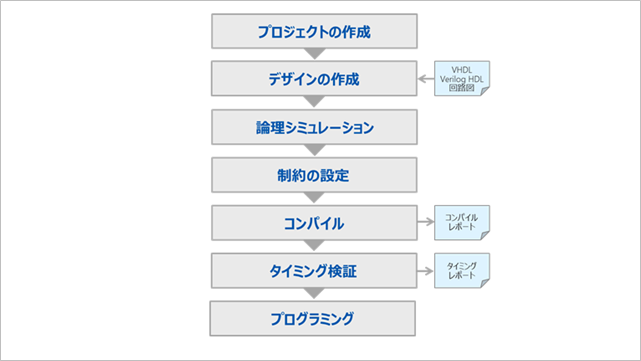
This chapter introduces the following operations flow for Quartus® Prime:
Please scroll the screen to the chapter you want to see.
・Creating a project
・Design creation
・Logic simulation
・Constraint setting (pin layout etc.)
·compile
・Timing verification
·programming
Create a project
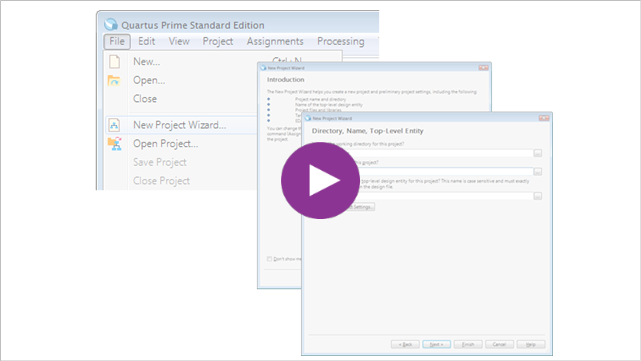
This chapter introduces how to create a new project.
(Duration: 2 minutes 20 seconds)
Create a design
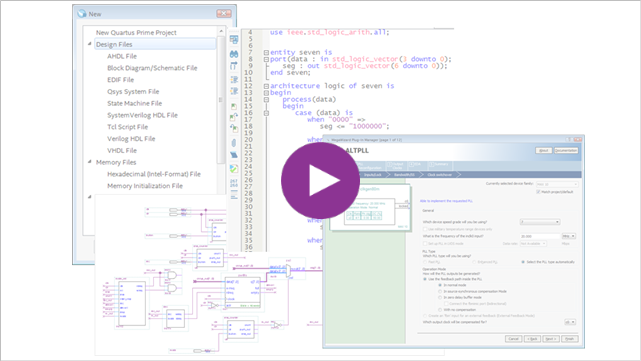
This chapter describes the design entry methods supported by Quartus® Prime, as well as the Analysis & Elaboration and Message windows.
(Duration: 5 minutes 52 seconds)
[Content introduced in this chapter]
・ Let's try it for the first time! VHDL <with exercises>
・ Let's try it for the first time! Verilog HDL <with exercises>
Logical simulation
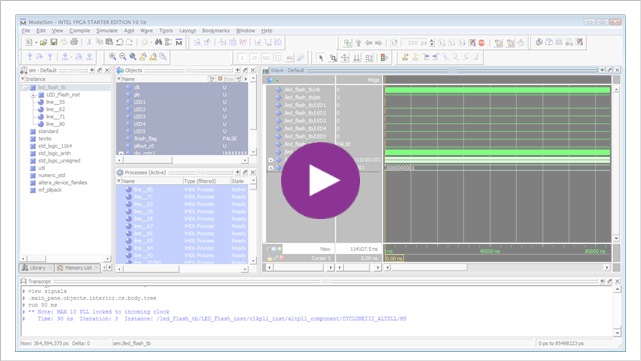
This chapter describes functional simulation using Modelsim® - Altera® FPGA Edition.
(Required time: 6 minutes 06 seconds)
[Content introduced in this chapter]
・ Let's try it for the first time! Test bench
ModelSim® - Altera® FPGA Edition - RTL Simulation Method
・ Use NativeLink to solve Altera® FPGA functional simulation
Constraint setting (pinout etc.)
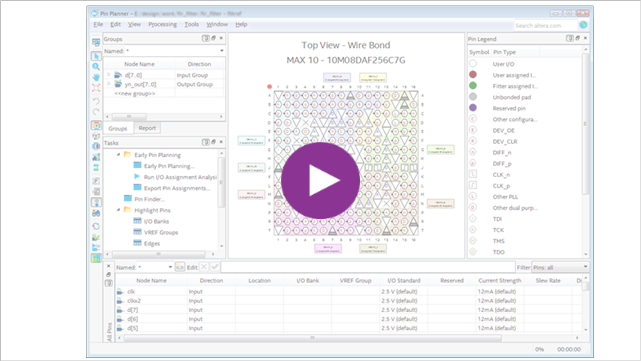
In this chapter, we will introduce typical constraints that are performed before compilation.
(Duration: 8 minutes 47 seconds)
・Pin assignment and I/O standard setting
・Set unused user I/O pins
・Configuration settings
・Other option settings
compile
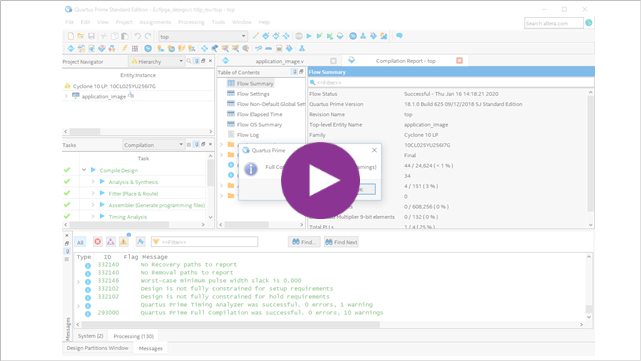
This chapter introduces how to compile and the reports that are generated.
(Duration: 3 minutes 13 seconds)
・Compile execution
・Compile report
timing verification
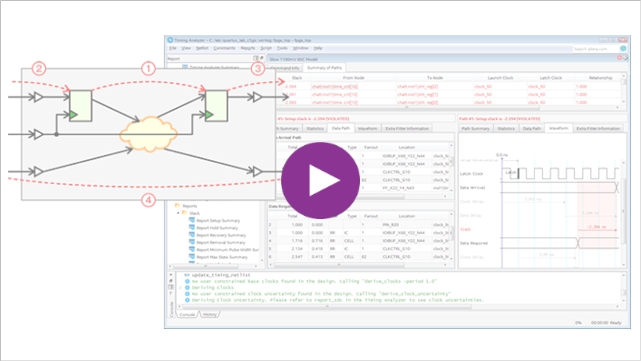
This chapter introduces timing verification.
(Duration: 3 minutes 09 seconds)
programming
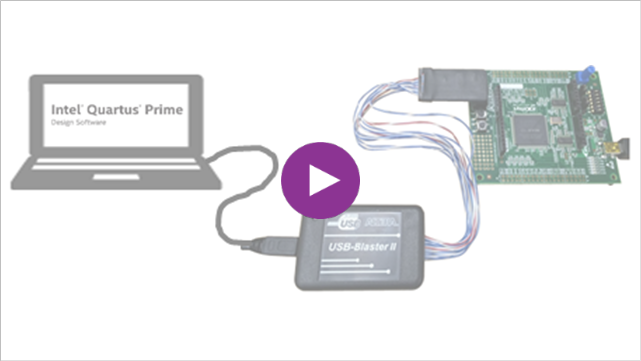
This chapter introduces programming.
(Duration: 4 minutes 51 seconds)
[Content introduced in this chapter]
・ Programming to EPCQ device via FPGA (JIC programming)
・ Install the USB-Blaster II driver
Actual machine verification
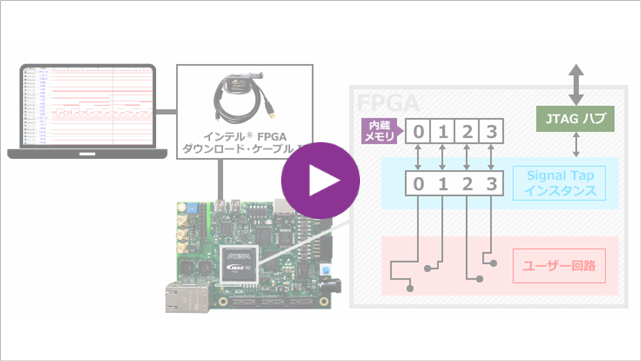
This chapter introduces you to the Signal Tap logic analyzer.
(Duration: 2 minutes 25 seconds)
[Content introduced in this chapter]
practice content
We will guide you through the environment required to conduct the exercises.
| development software |
Quartus® Prime Standard Edition or Lite Edition ・<Cyclone ® 10 LP> Questa *- Alrera ® FPGA Edition or Questa* - Altera ® FPGA Starter Edition ・<MAX ® 10> Questa* - Altera ® FPGA Edition or Questa* - Altera ® FPGA Starter Edition |
|
[Related information]
・ Quartus® Prime - Supported OS Compatibility
・ Quartus® Prime - Supported Devices
Manuals and exercise data for conducting exercises.
* Currently, the publication of the exercise manual and exercise data is temporarily suspended. We apologize for the inconvenience.
|
FPGA to use |
Cyclone® 10 LP |
MAX® Ten |
|
|---|---|---|---|
|
exercise manual |
<For Cyclone® 10 LP Evaluation Kit> |
<For MAX ® 10 Evaluation Kit> |
<For MAX® 10 Development Kit> |
|
exercise data |
<For Cyclone® 10 LP Evaluation Kit> |
<For MAX ® 10 Evaluation Kit> |
<For MAX® 10 Development Kit> |
|
development board (* When using the development board Exercise 4 and Exercise 5 on the actual machine you can experience)
For consideration and purchase, Please contact us. |
(Also available at Macnica Mouser.) |
(Also available at Macnica Mouser.) |
(Also available at Macnica Mouser.) |
|
Altera® FPGA Download Cable II For consideration and purchase, Please contact us. |
unnecessary
(For boards that support the On-Board Altera® FPGA Download Cable II) |
requirement
(Also available at Macnica Mouser.) |
unnecessary
(For boards that support the On-Board Altera® FPGA Download Cable II) |


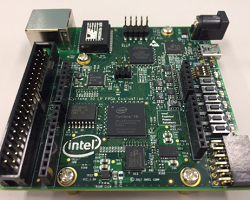
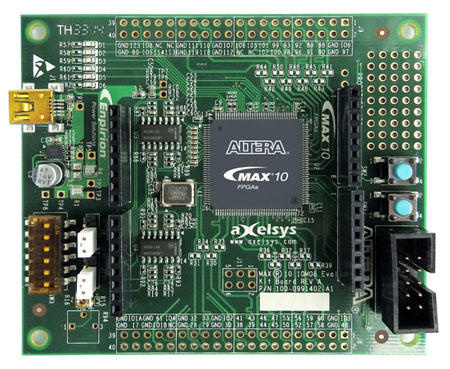
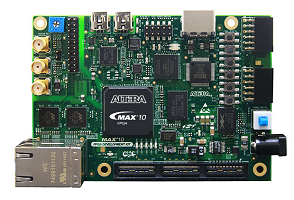
For those who want more practice
Please use the following contents.
This lab also uses the Cyclone® 10 LP Evaluation Kit, MAX® 10 Evaluation Kit.
・ Quartus® Prime Simple Tutorial
Click here for recommended articles/materials