- Semiconductor BusinessHOME
- Products and Services of Macnica,Inc.
-
technical information

-
Events and Seminars
- Handling Manufacturer
- Support
- Inquiry
- Click here to purchase products
- Semiconductor business e-mail magazine registration


 Narrow down by specifying conditions
現在2247件がヒットしています。check
1. Creating a color picker application and PWM output to PIO terminal
1-1.About konashi.js
By using the konashi platform, you can use the "konashi.js" app on your iPhone.
Below is a quote from konshi's website.
++++++++++++++++++++++++++++++++++++++++++
An application that controls konashi only with JavaScript. That is "konashi.js".
You can use konashi right away without having to develop applications in Objective-C, which has a high barrier to entry.
Specifically, by using JavaScript to control konashi and HTML/CSS to create the appearance of the UI, such as buttons,
You can control konashi like a conventional app.
In addition, "konashi.js" is linked with "jsdo.it" provided by KAYAC Co., Ltd.
As a result, konashi code created by other users on jsdo.it can be executed immediately at hand,
You no longer have to think about where to put your JavaScript or HTML.
Download konashi.js now and extend your iPhone interface!
++++++++++++++++++++++++++++++++++++++++++
In the next section, we will write javascript with jsdo.it.
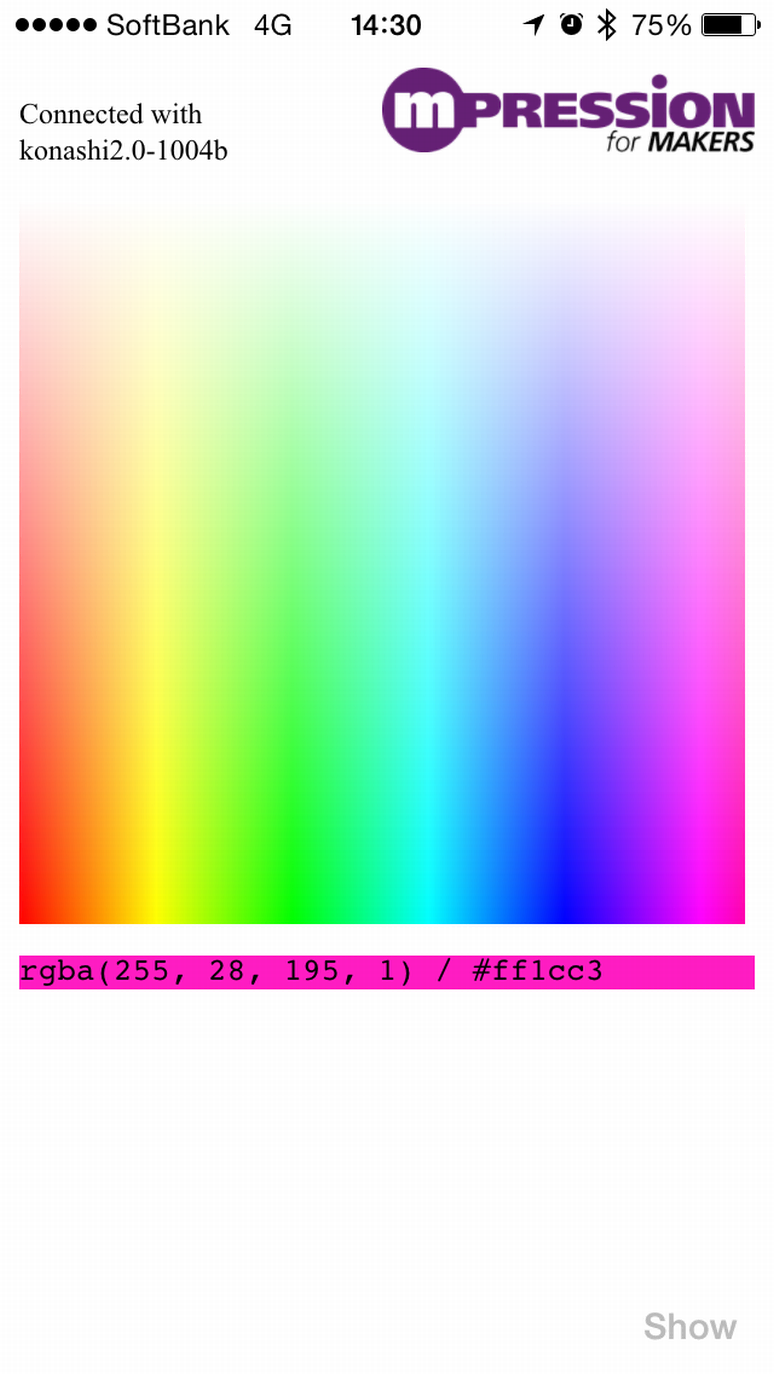
1-2.Creating a color picker app
Write javascript, HTML, CSS at jsdo.it. Since jsdo.it assumes development based on open source, you can develop applications without programming from scratch by revising already created javascript code at hand.
The following is the URL of the application developed this time.
color picker
1-3. Convert the acquired RGB value to PWM output of PIO terminal
Set 3 pins PIO0, PIO1, and PIO2 to PWM output
kPIOs = [k.PIO0,k.PIO1,k.PIO2]; //PWM setting for konashi pin
for (var i=0 ; i k.pwmPeriod(kPIOs[i],255 * 20);
k.pwmDuty(kPIOs[i],255 * 10);
k.pwmMode(kPIOs[i],k.KONASHI_PWM_ENABLE);
Obtain the RGB values of the obtained color information as the konashi terminal duty ratio.
k.pwmDuty(k.PIO0, colorImage.data[0] *20); // Get RGB R value as konashi terminal duty ratio
k.pwmDuty(k.PIO1, colorImage.data[1] *20); // Get RGB G value as konashi terminal duty ratio
k.pwmDuty(k.PIO2, colorImage.data[2] *20); // get RGB B value as konashi terminal duty ratio
1-4. Check the PWM output of the PIO terminal with L blinking
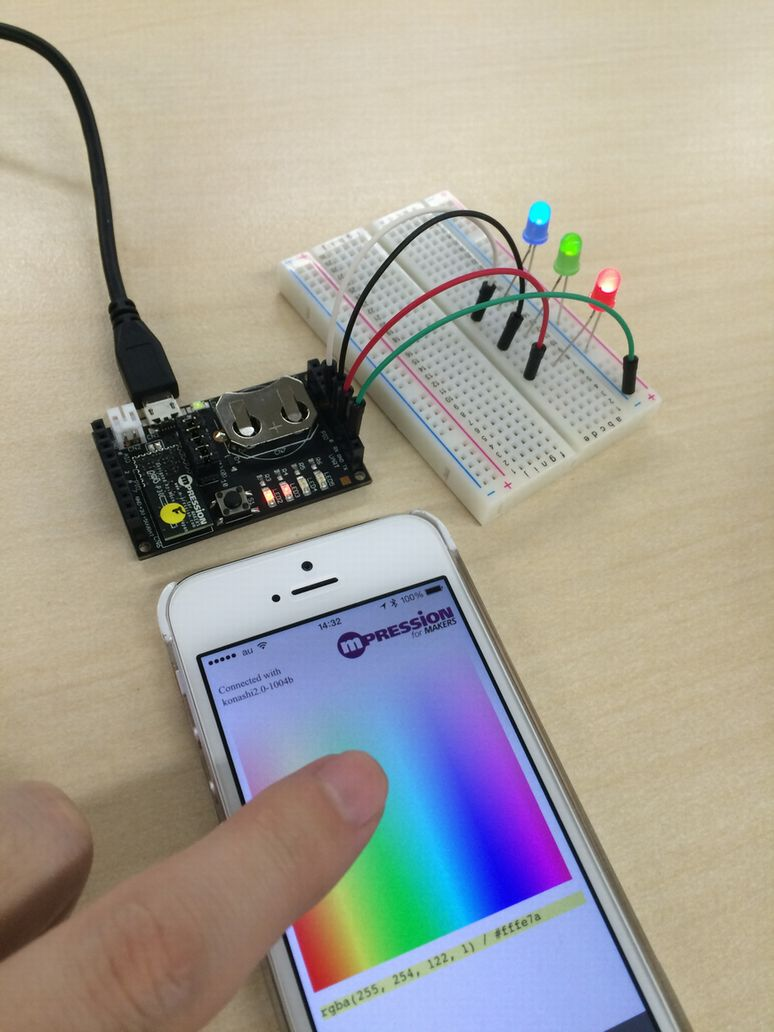
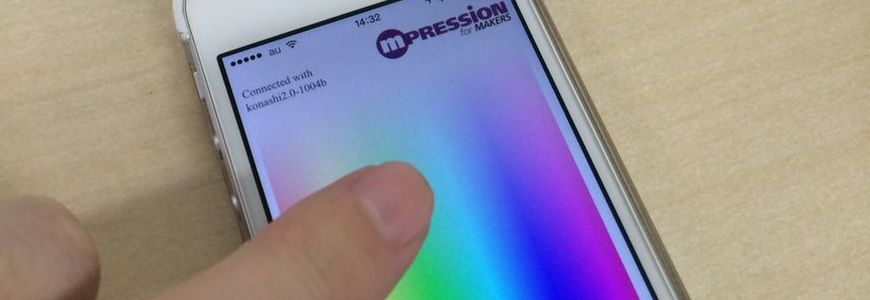
Connect the three terminals PIO0, PIO1, and PIO2 to the R, G, and B LEDs, and confirm that the light is emitted corresponding to the touched color.